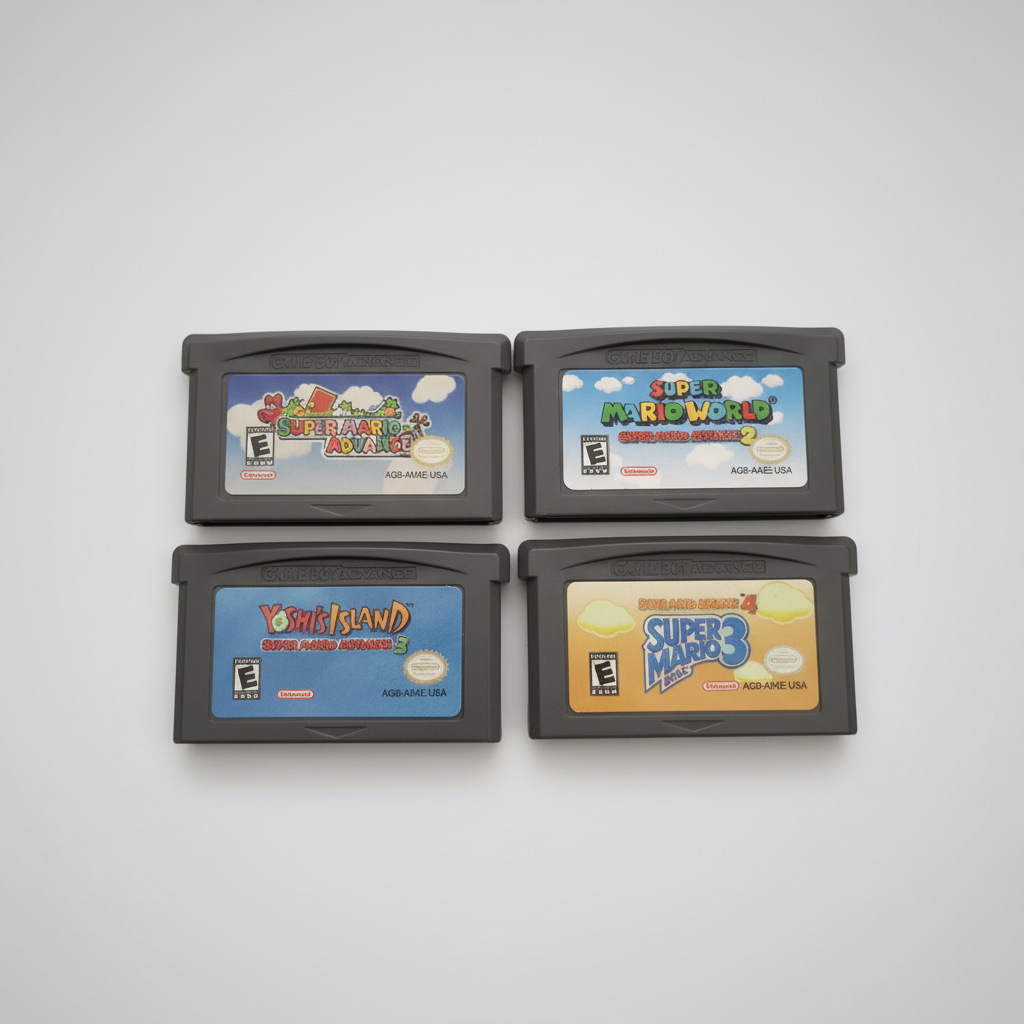
Quick Answer: Most Game Boy Advance (GBA) cartridges do not use a coin-cell battery to hold your save file—they use non-volatile Flash memory or FRAM that retains saves without battery power. However, Pokémon Ruby, Sapphire, and Emerald use a CR1616 battery specifically for the Real-Time Clock (RTC), and early GBA releases (plus all Game Boy Color games like Pokémon Gold, Silver & Crystal) rely on battery-backed SRAM.
GBA & GBC Save Technology Reference Table
| Game Series / Title | Platform | Save Storage Method | Battery Role | Recommended Tested Pick |
|---|---|---|---|---|
| Pokémon FireRed & LeafGreen | GBA | 1Mbit Flash Memory | No battery needed for saves or clock | Browse GBA Collection |
| Pokémon Ruby, Sapphire & Emerald | GBA | 1Mbit Flash Memory | CR1616 powers Real-Time Clock (berries/tides) | Browse GBA Collection |
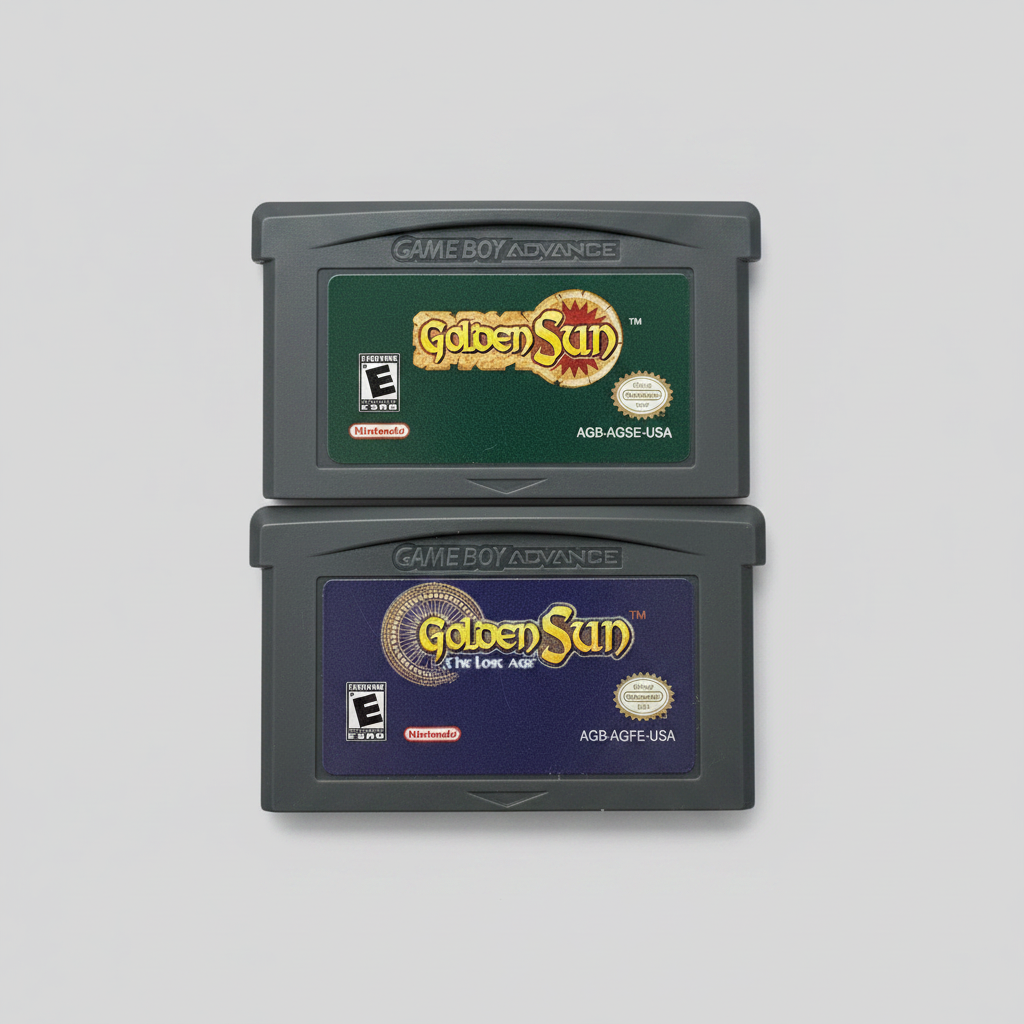
| Golden Sun & The Lost Age | GBA | 512Kbit Flash Memory | Battery-free non-volatile save | Golden Sun 1 & 2 GBA |
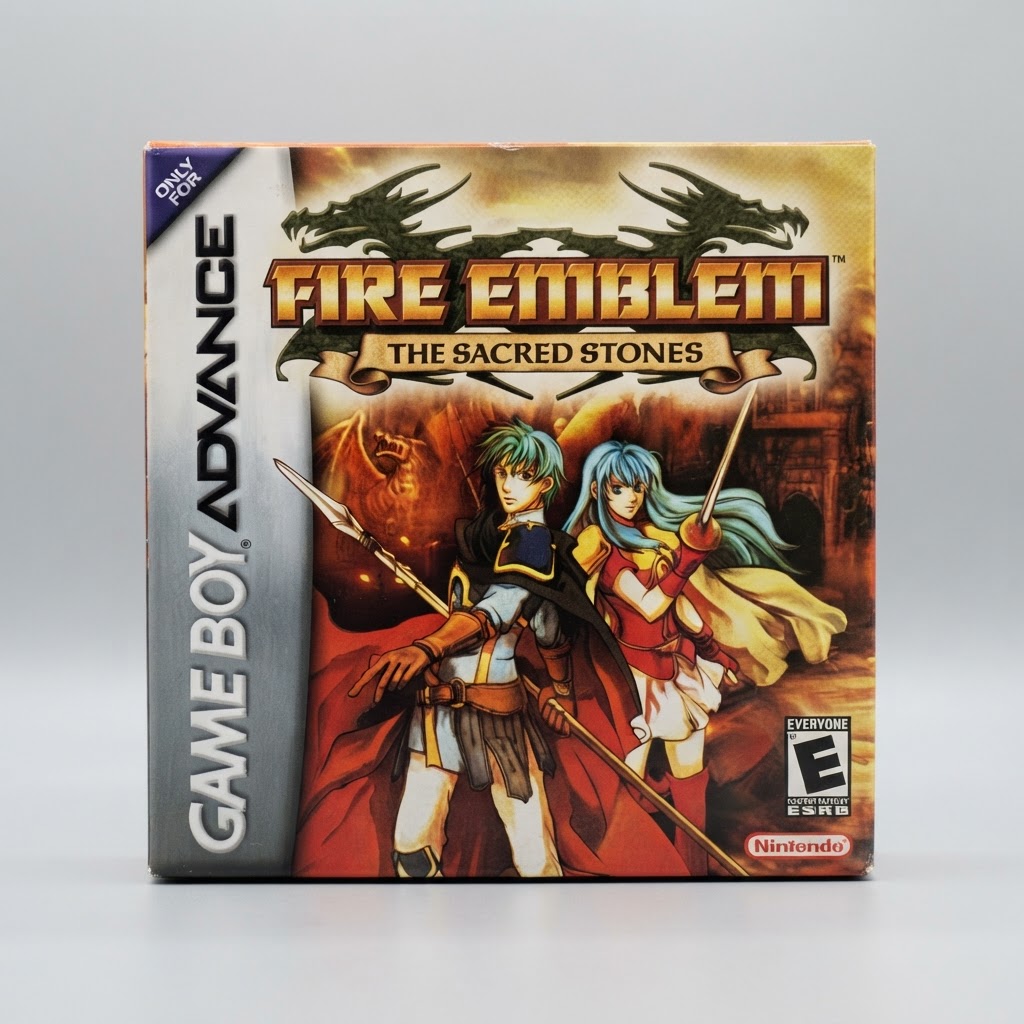
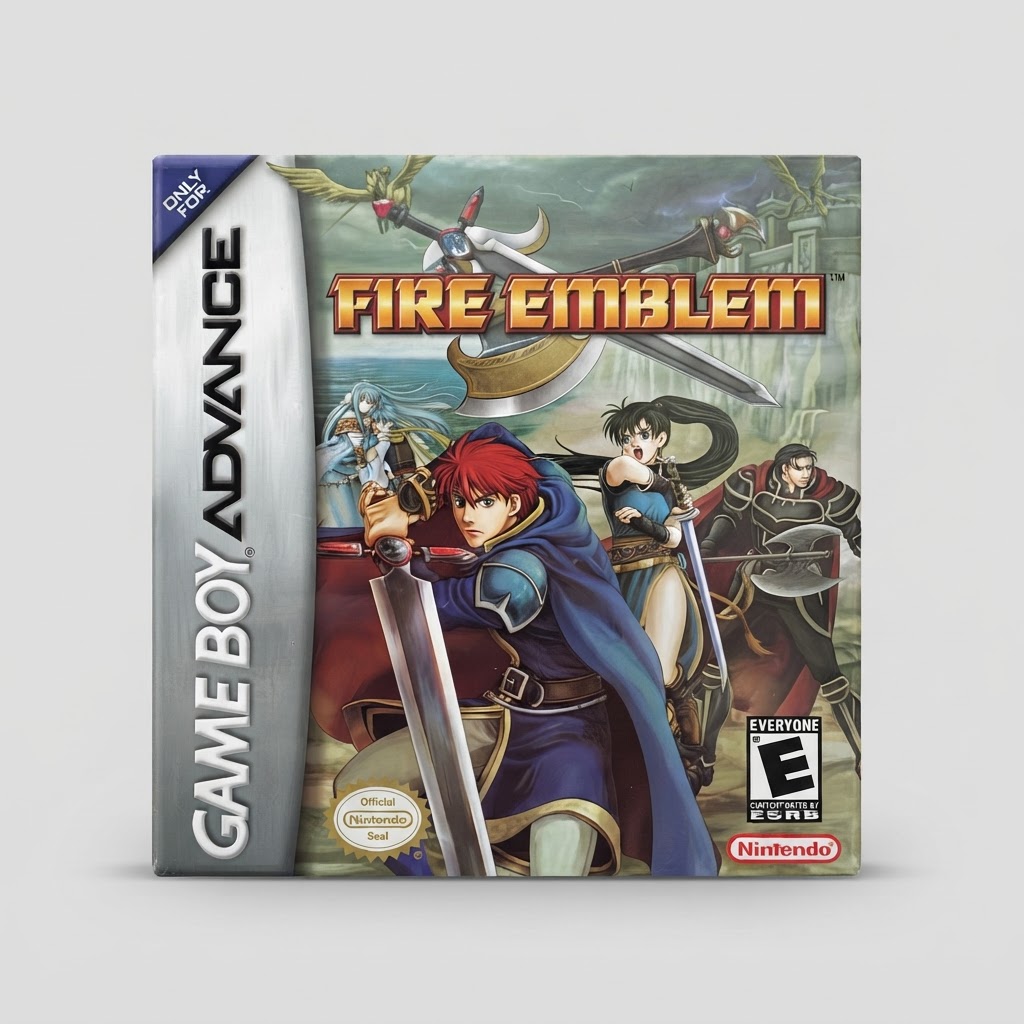
| Fire Emblem: The Sacred Stones | GBA | 512Kbit SRAM / FRAM | Verified non-volatile save chip | Fire Emblem Sacred Stones |
| Super Mario Advance 1–4 | GBA | EEPROM / Flash | Battery-free save retention | Super Mario Advance 1-4 |
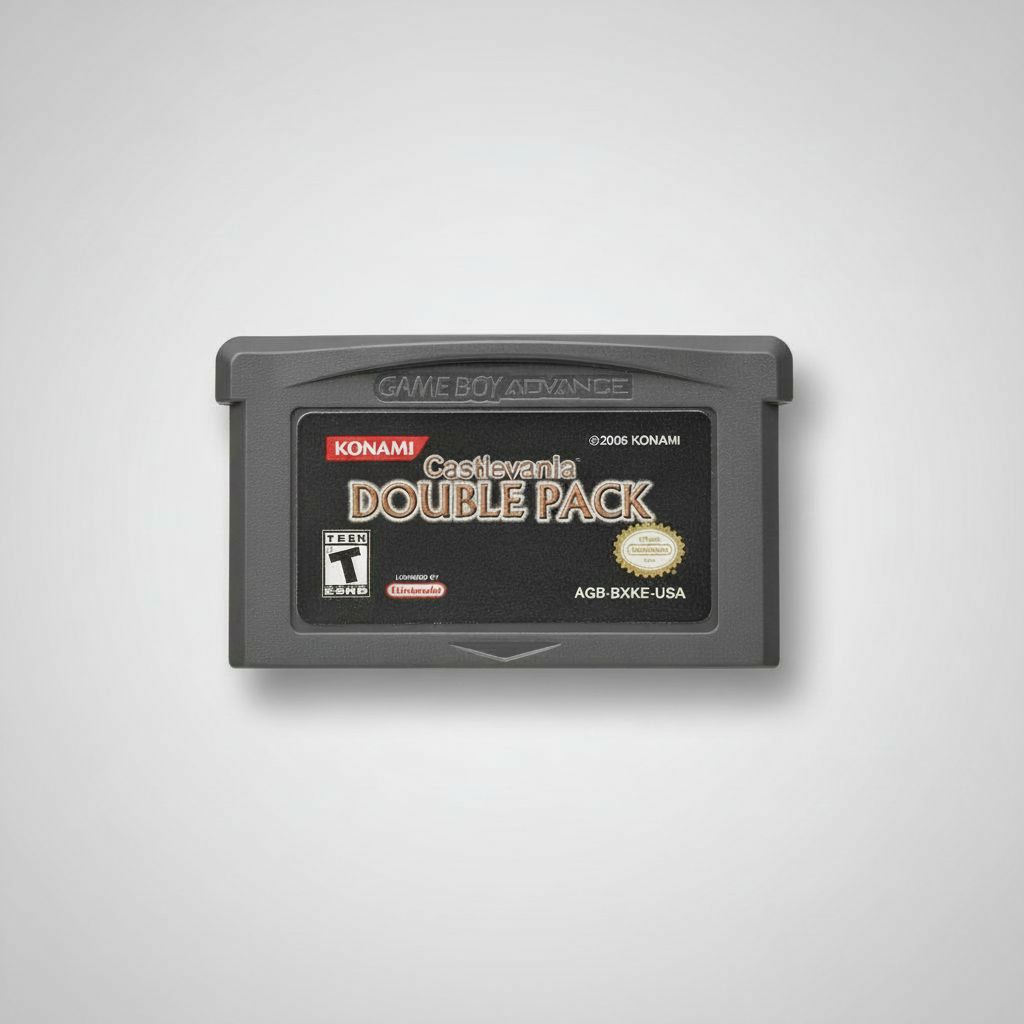
| Castlevania Double Pack | GBA | SRAM / Flash | Verified save retention on boot | Castlevania Double Pack |
| Pokémon Gold, Silver & Crystal | GBC | Battery-Backed SRAM | CR2025 holds both save file & RTC | Pokémon GBC Collection |
3 Signs of a Failing GBA or GBC Save System
- "The Internal Battery Has Run Dry" Message (Pokémon Ruby/Sapphire/Emerald): Your main save file is still safe on the Flash chip, but time-based events (Berry growth, Shoal Cave tides, Eevee evolutions) pause until a fresh CR1616 cell is installed.
- Save File Vanishes After Powering Off for 10 Seconds: This happens when an SRAM cartridge's coin-cell battery drops below 2.5V, or when an unverified budget cartridge uses volatile SRAM without a working battery.
- Corrupted Save Slot Warning on Boot: Dirty edge connector pins or oxidized contacts interrupted a Flash write cycle. Always wait two full seconds after the "SAVING... DON'T TURN OFF THE POWER" prompt finishes before flipping the power switch.
How NicestFinds Verifies Every GBA Cartridge
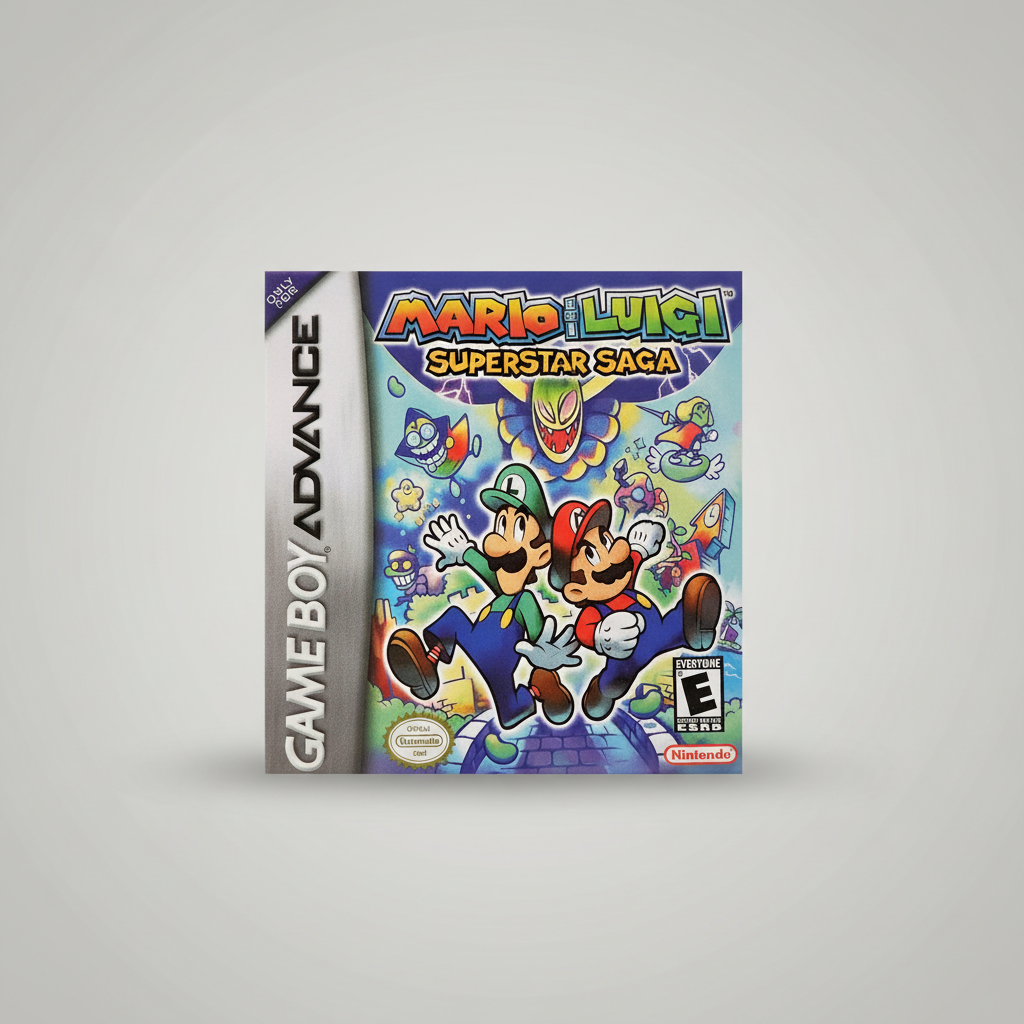
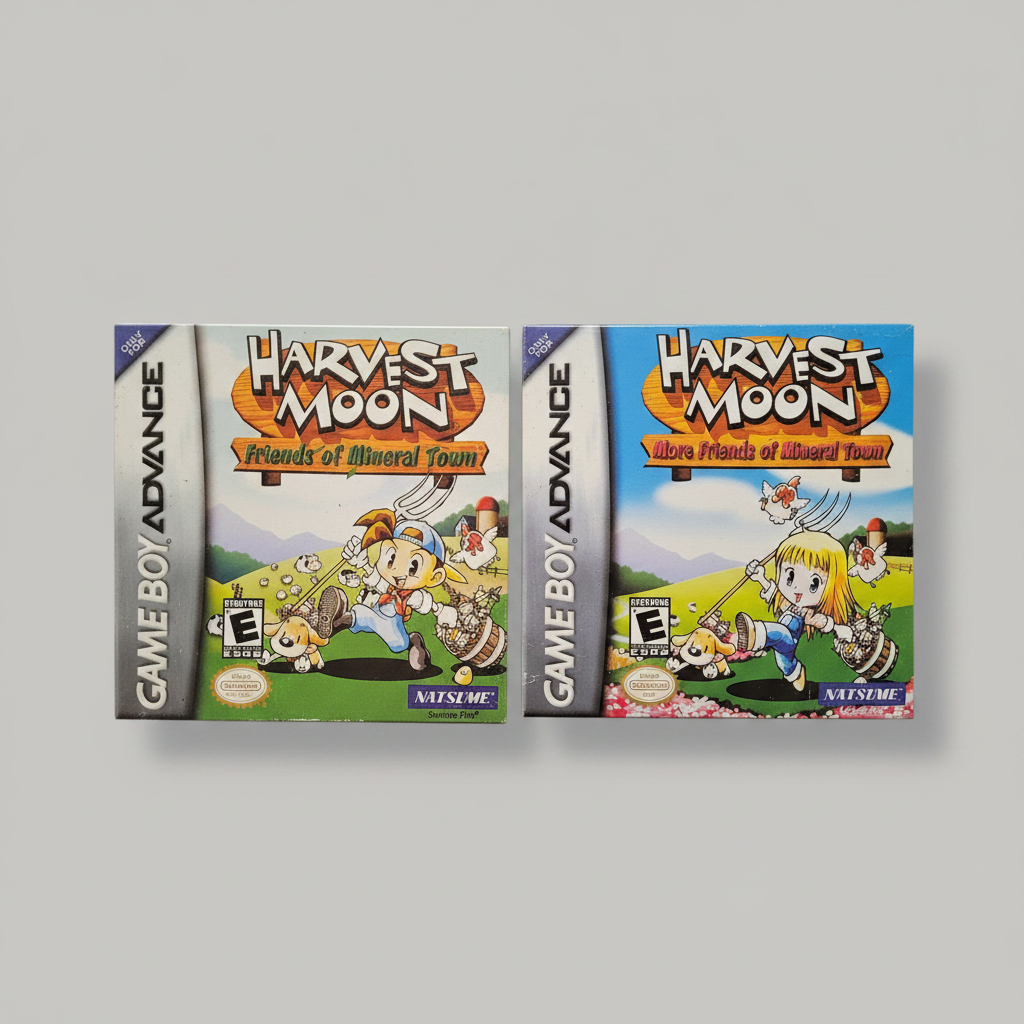
Every cartridge in our Game Boy Advance Hub and Game Boy Color Hub—from Mario & Luigi: Superstar Saga to Harvest Moon: Friends of Mineral Town—goes through a 4-step inspection before shipping:
- Isopropyl Contact Cleaning: Gold PCB fingers are cleaned so your GBA or DS Lite reads on the first insertion.
- Live Write-and-Read Save Test: We create a real save file on original hardware, power off completely, cold-boot, and verify the save persists.
- 30-Day Quality Guarantee: If any cartridge fails to hold a save within 30 days of delivery, we send a free replacement or full refund.